
Uny AI Theme
How to install it, import the demo and change colours, fonts and the header - the theme guide covers each step.
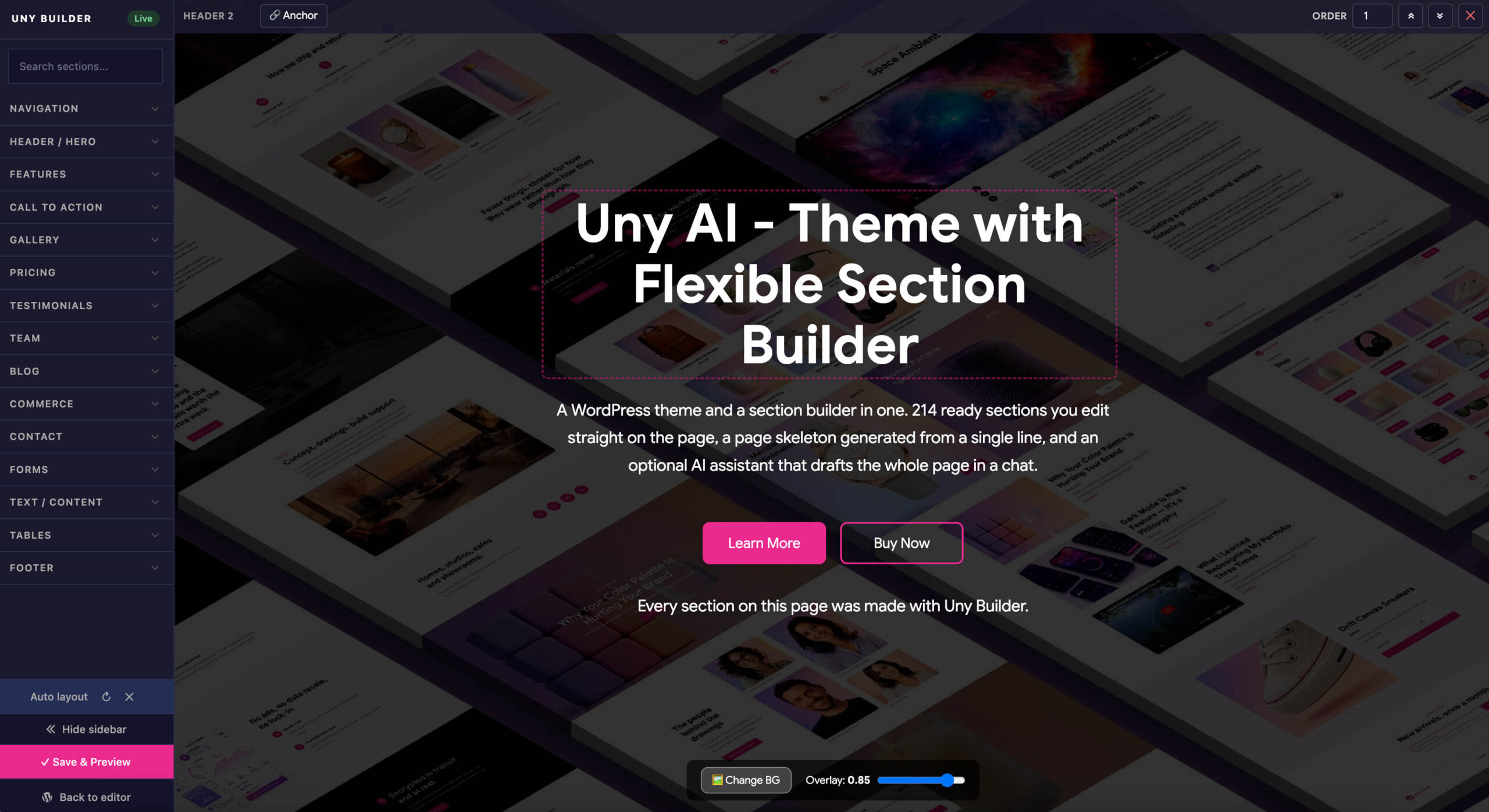
Theme guideA WordPress theme and a section builder in one. 214 ready sections you edit straight on the page, a page skeleton generated from a single line, and an optional AI assistant that drafts the whole page in a chat.
Every section on this page was made with Uny Builder.
Pick a section from the panel - a live preview shows exactly what you'll get.
Set the order, edit in place, and publish. What you arrange is what visitors see.
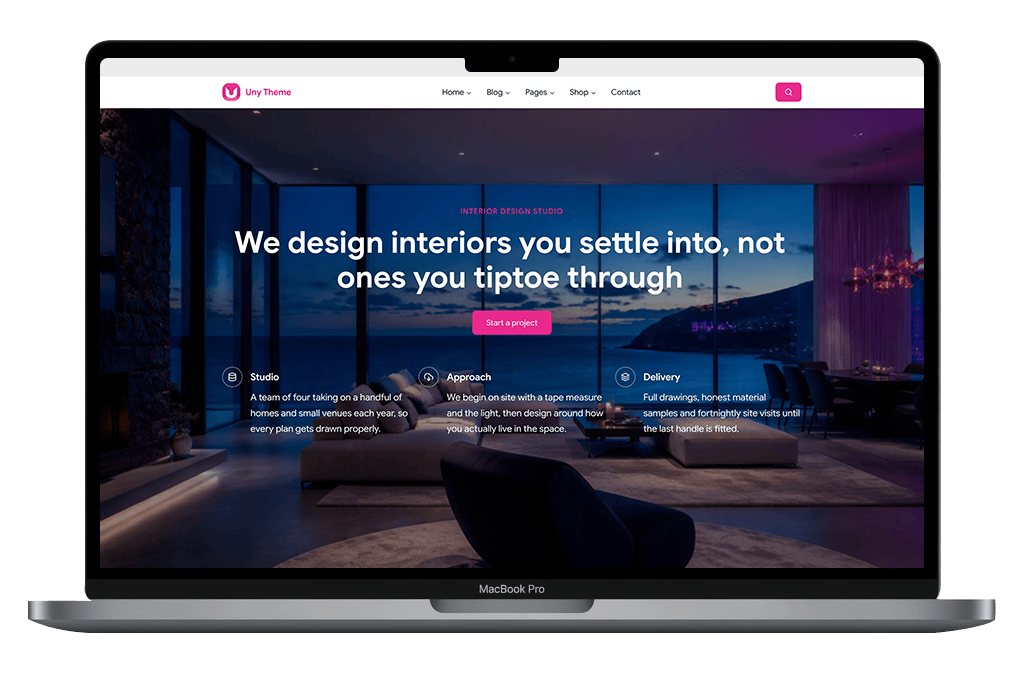
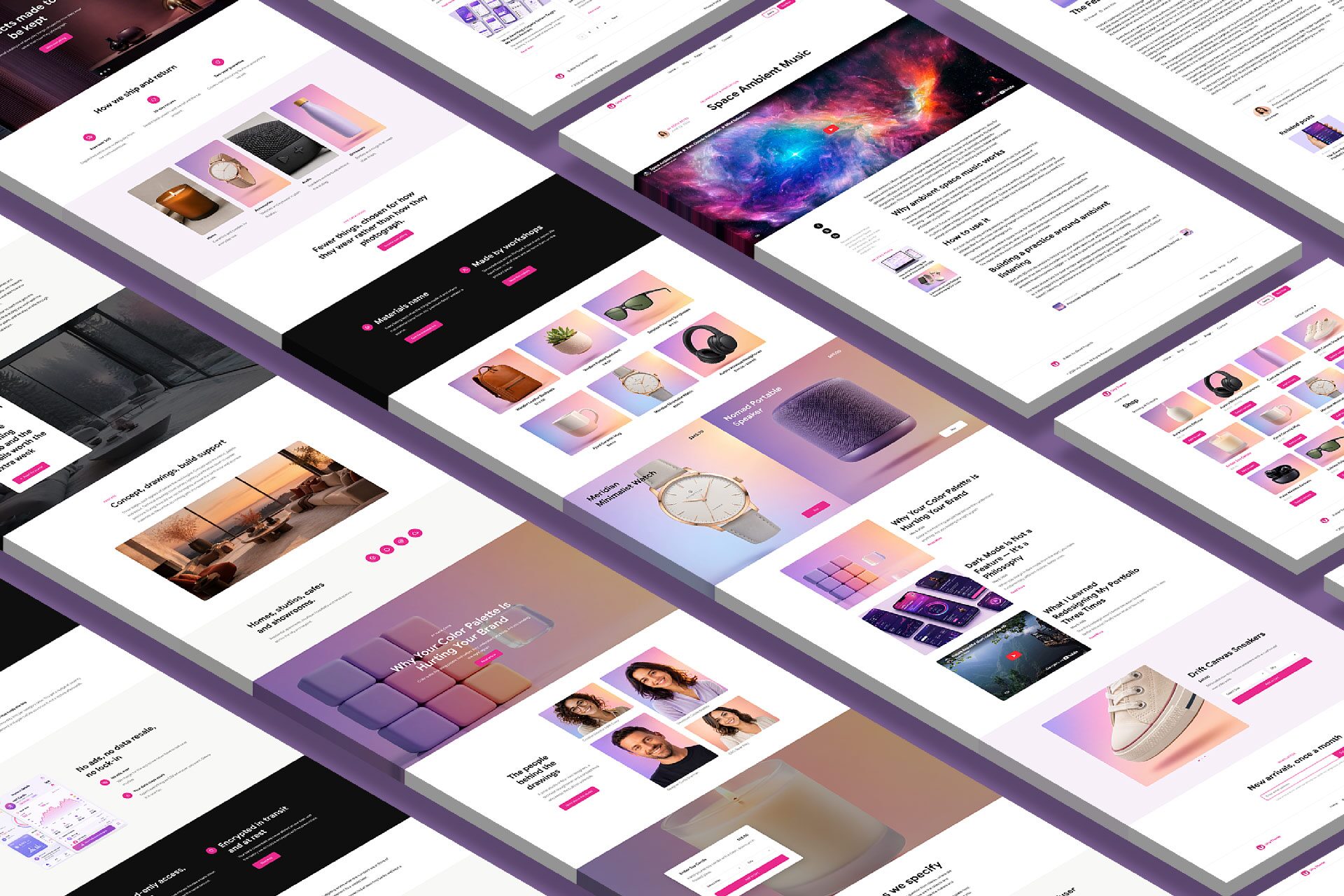
Assemble a polished landing page from ready-made sections in a single afternoon - no code, no custom CSS.
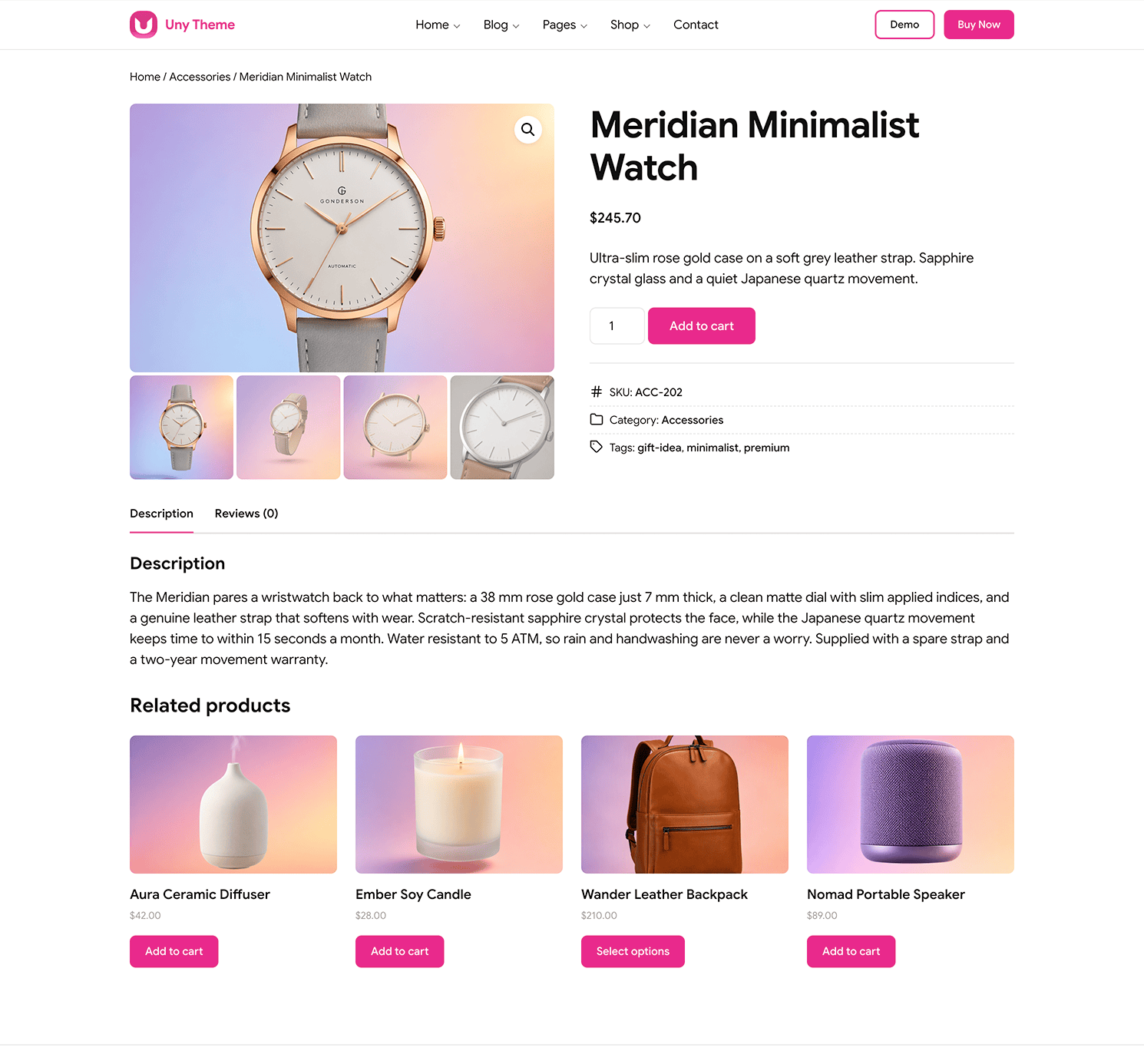
See the DemoThe theme styles your entire store automatically - product pages, cart, checkout and account all match your brand. Bind any product section to a real item and its image, title and price load themselves.
UNY BUILDER
Headers, features, galleries, pricing, testimonials and more - 15 categories in all.
Click any text to rewrite it, hover any image to swap it. No separate panels to learn.
Menus, blog posts and products flow into their sections on their own.
Describe the page in one line and the builder composes it, or let an AI assistant draft it in a chat and edit what it leaves you.
Watch a full page come together from ready-made sections. Pick, arrange, edit, publish - or describe the page to the AI assistant and edit the draft it leaves you.
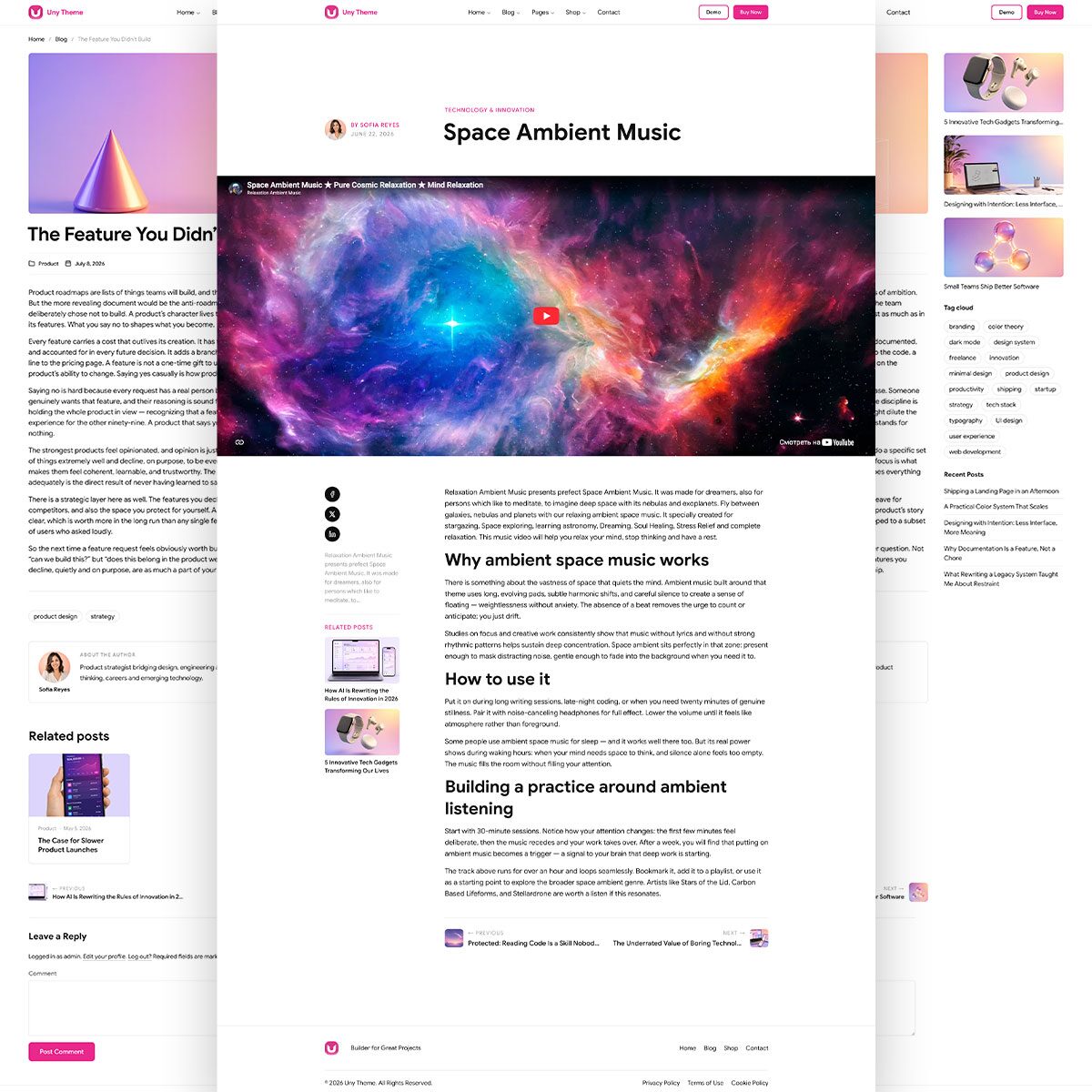
Build rich, full-width posts from sections - perfect for launch announcements and long reads. The AI assistant can draft one this way too.
Prefer the classic editor? The theme styles standard posts beautifully, with an optional illustrated random-posts widget for your sidebar.
Most answers are already written down - pick the guide you need.
How to install it, import the demo and change colours, fonts and the header - the theme guide covers each step.
Theme guideHow to insert, reorder and fill sections with your own posts and products - the builder guide covers each step.
Builder guideHow to connect the chat you already use and have it build pages - optional, and off until you switch it on.
Assistant guide